

I’ve tested a few dozen popular free Chrome extensions and included 15 of the most useful ones in this article.
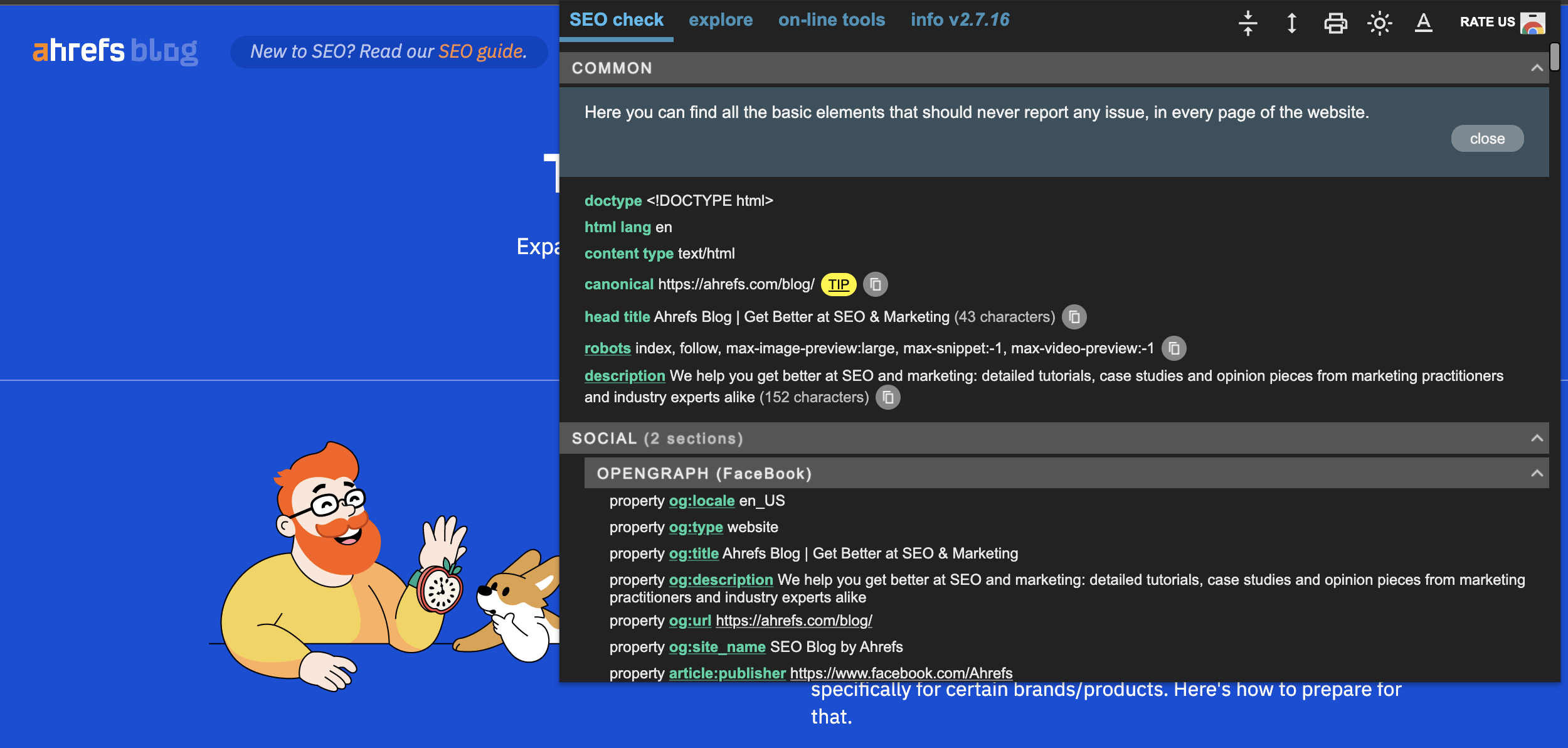
This extension allows you to inspect the meta information on webpages, find issues, and get advice to fix them. It covers meta tags, canonicals, Open Graph tags, structured data, hreflang, subheaders, and more.
It also provides advanced data about the internal and external scripts used on the page.
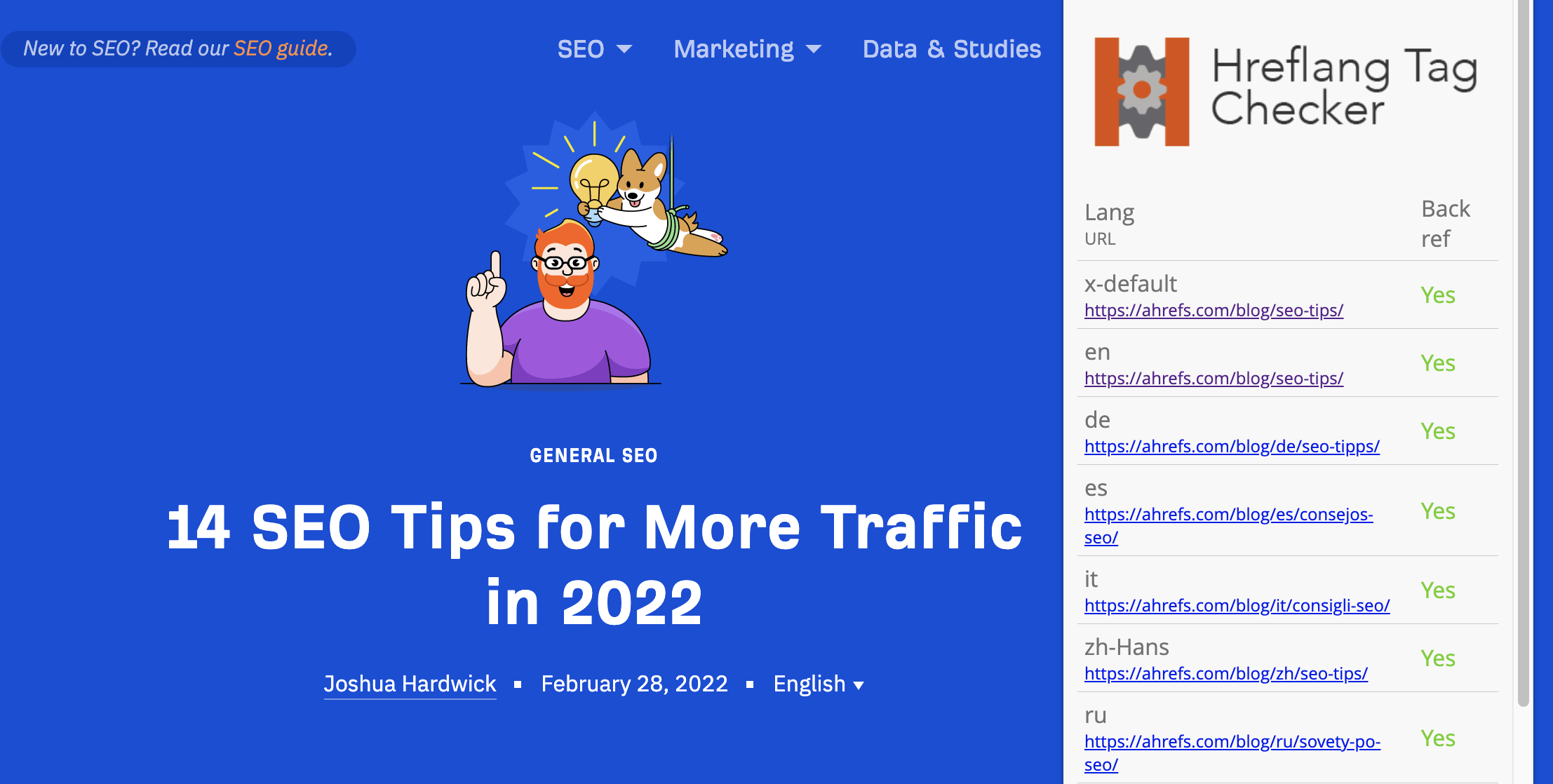
Unlike many other extensions, Hreflang Tag Checker does not simply list a page’s hreflang data. It actually crawls the links in hreflang tags to check if they link back to the page you’re visiting.
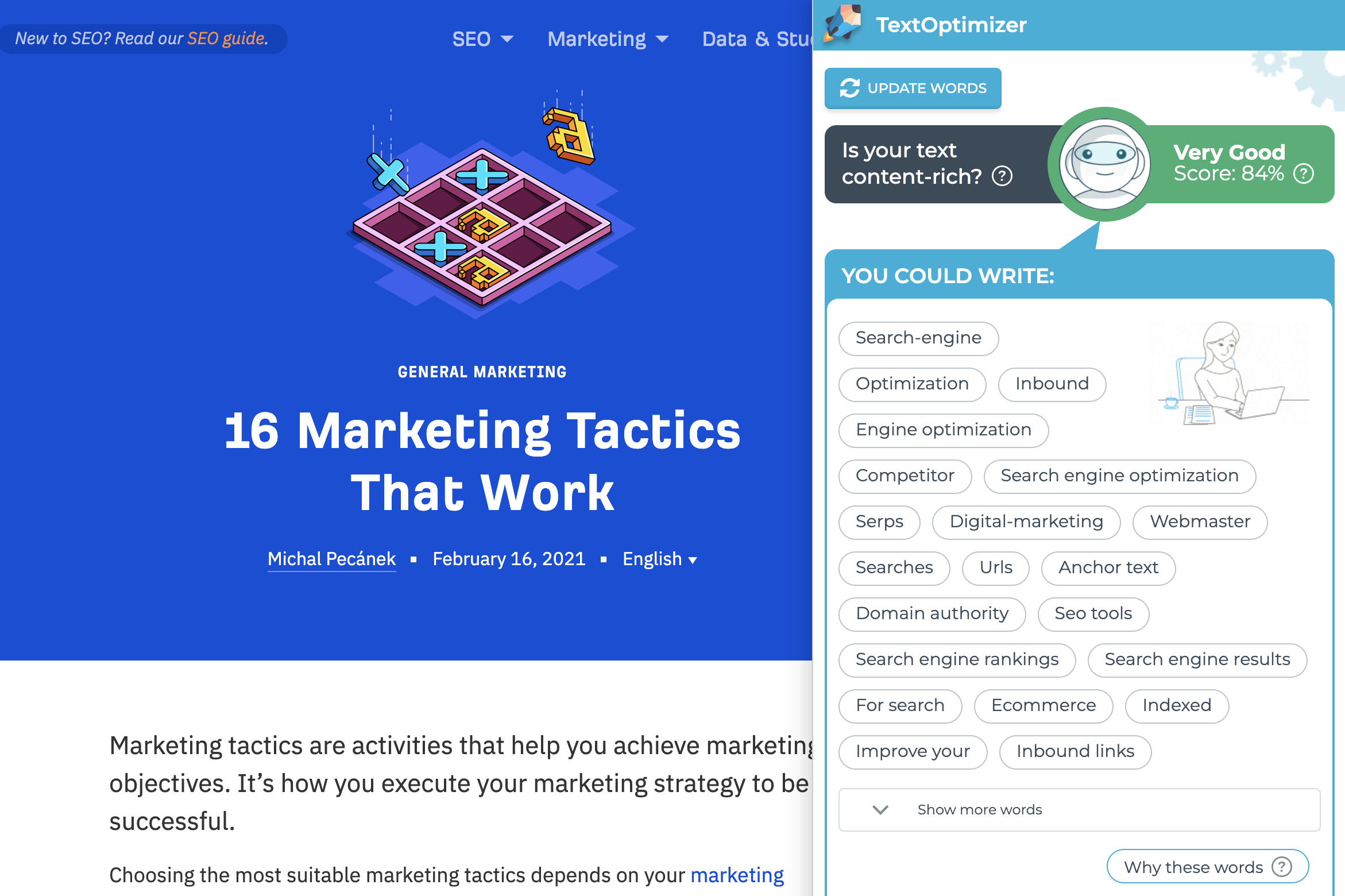
TextOptimizer describes itself as a writing assistant tool. It analyzes search results for relevant terms and extracts “intent tables” to suggest other words that you can use in your copy “to better match search engines’ expectations.”
There are more than enough premium content optimization tools on the market, but TextOptimizer does a good job as a free tool.
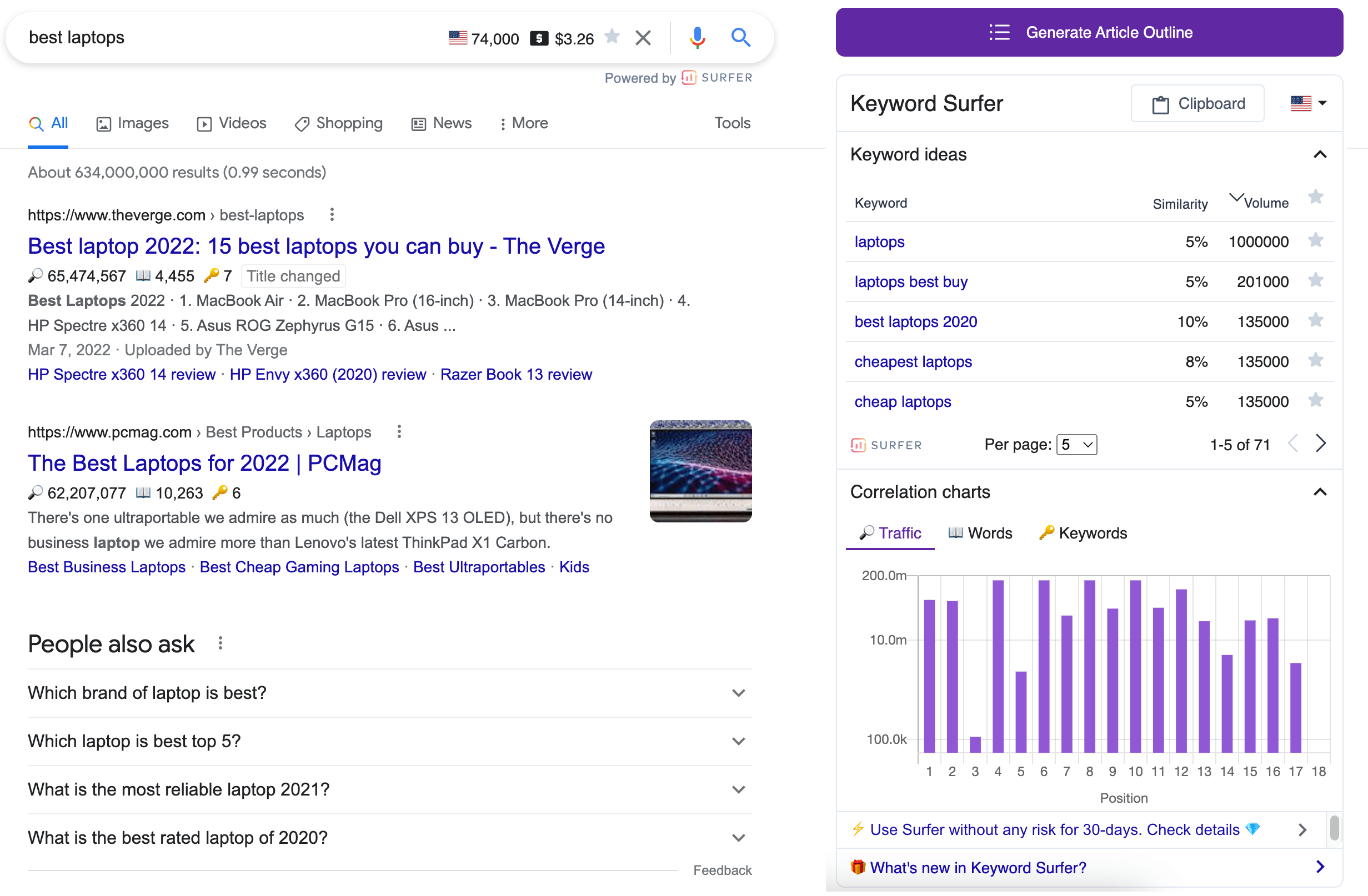
This extension gives away a good amount of data for a free tool: Keyword search volumes, keyword ideas, and domain-level traffic estimations are provided straight on Google’s SERPs.
It also has a feature called “Outline Generator.” This feature creates an article outline by analyzing the top-ranking search results in one click.
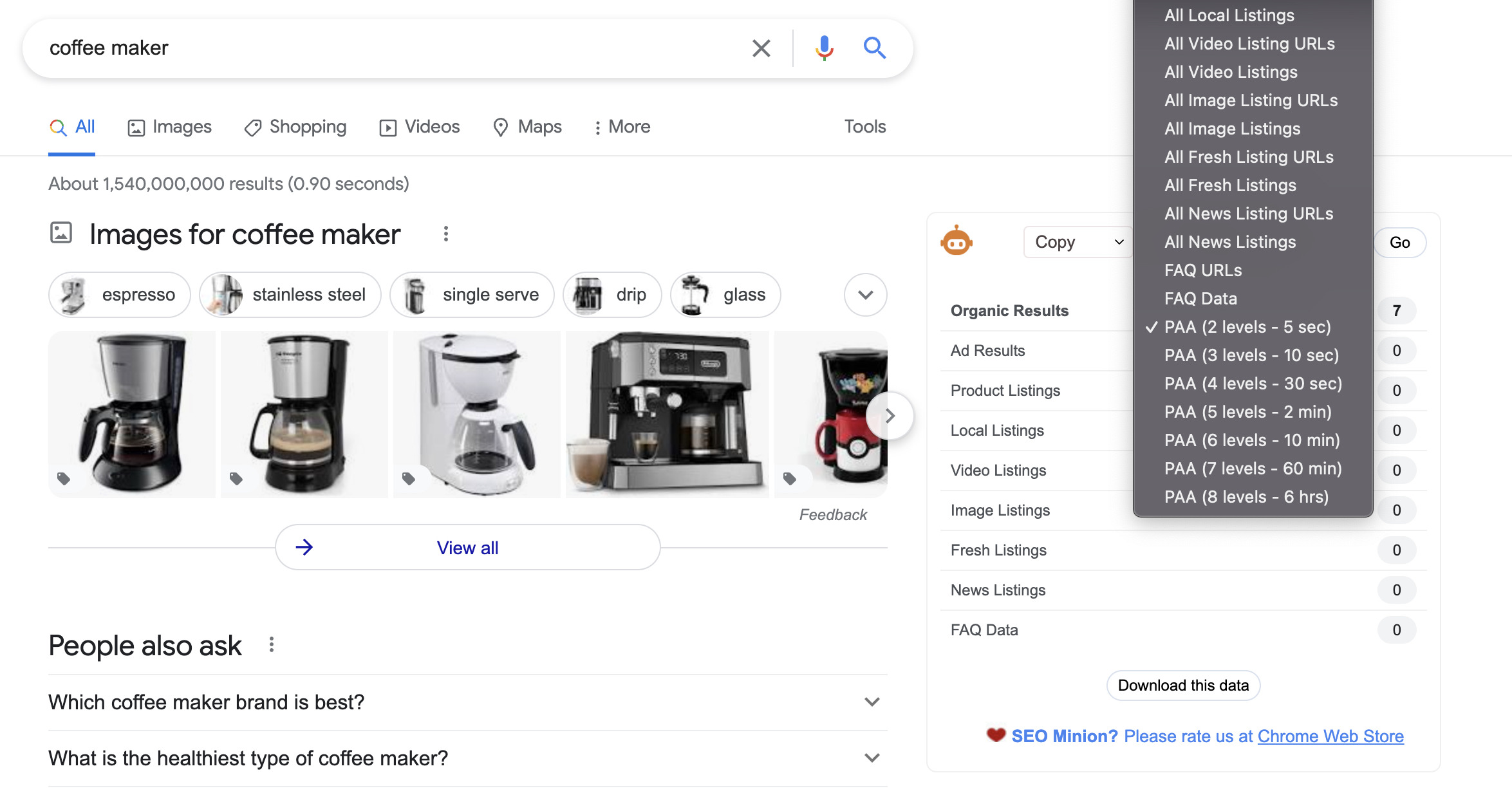
The SEO Minion extension is one of the multi-tools for SEO. It allows you to check on-page SEO data, highlight outgoing links, and check pages for broken links.
Arguably, its best feature is the multilevel “People Also Ask” query export from the SERP. This will provide you with related long-tail queries that you can consider when creating a new piece of content.
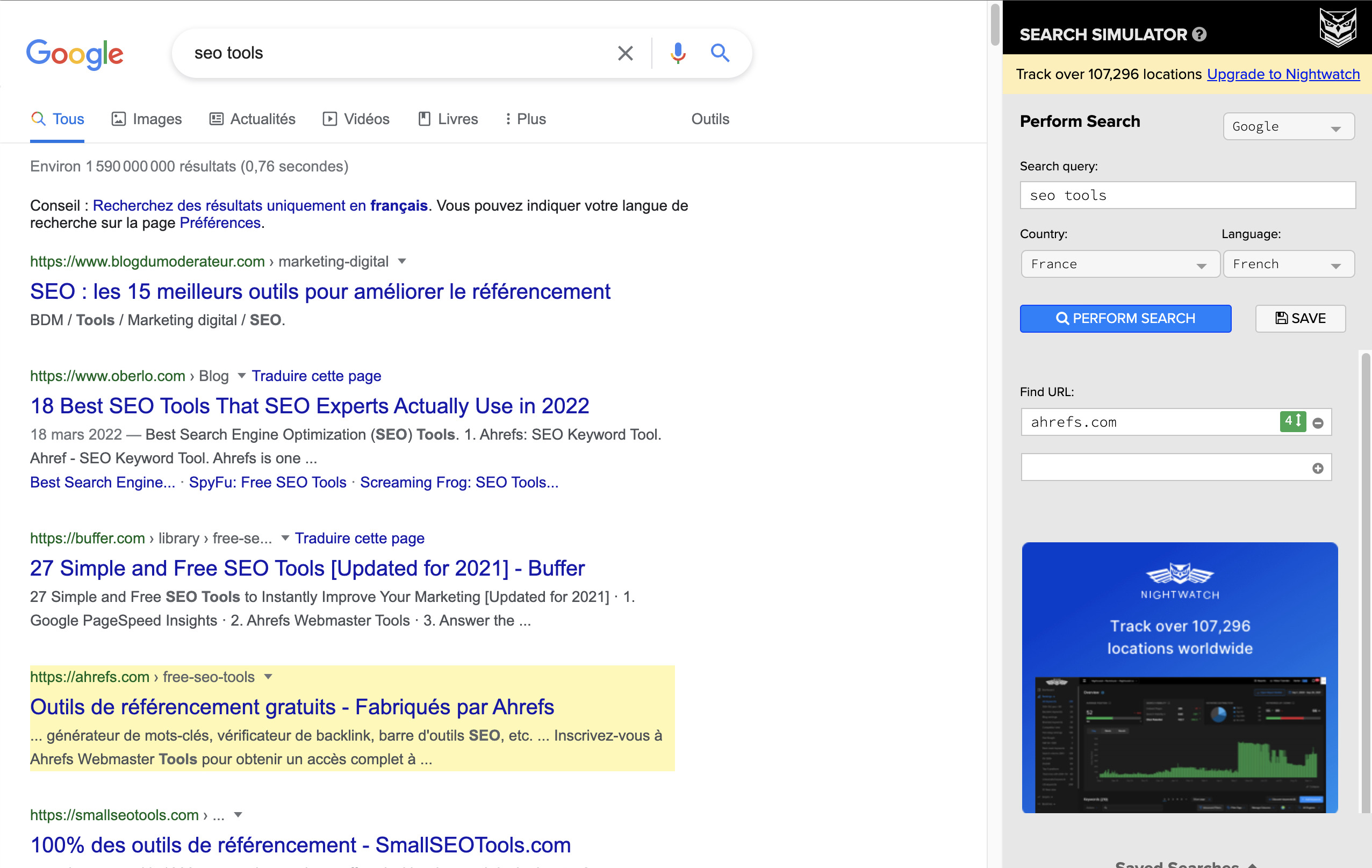
With this extension, you can emulate Google searches from any location and check if a particular URL ranks in the top 100 results.
This will help you see how rankings vary for a query in different parts of the world.
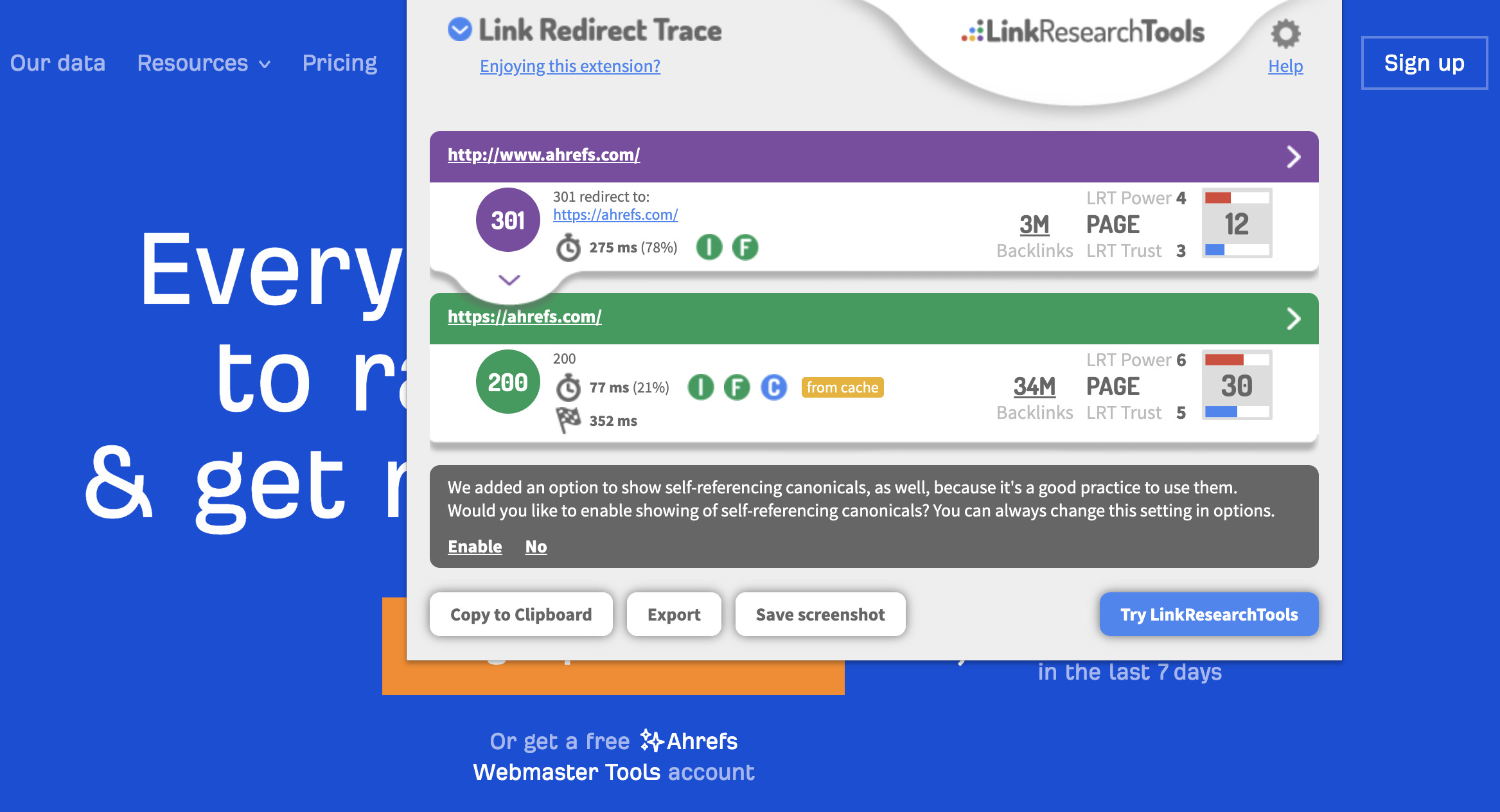
Link Redirect Trace uncovers all URLs in a redirect chain, including 301s, 302s, and JavaScript redirects.
Besides, it displays some page-level metrics from LinkResearchTools at no cost.
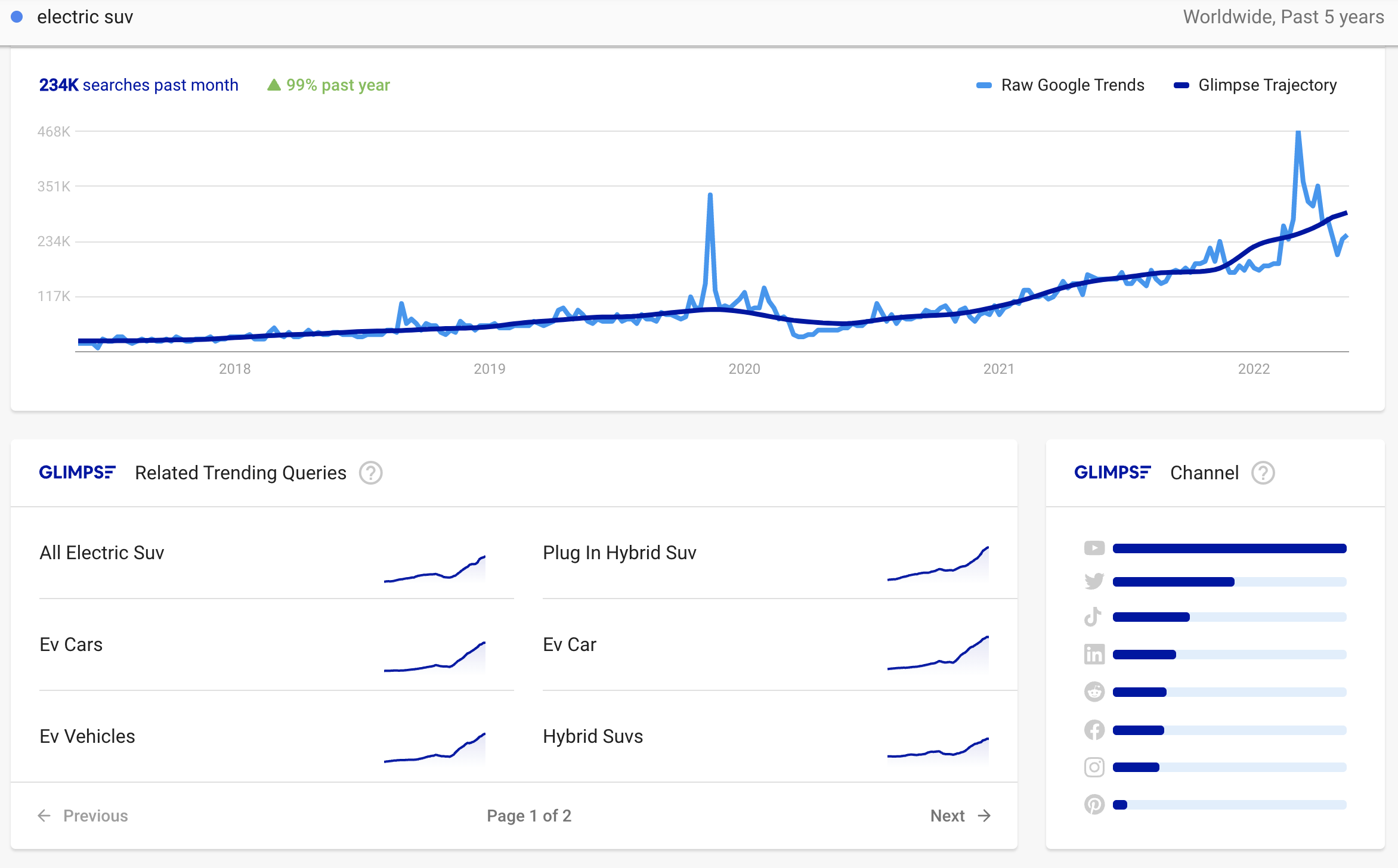
The Glimpse Chrome extension turns Google Trends into a keyword research tool. It enriches Google Trends data with keyword search volumes, long-tail keyword suggestions, and a topic map.
However, you should note the free version allows only 10 searches per month. You’ll also need a paid subscription for extensive keyword research.
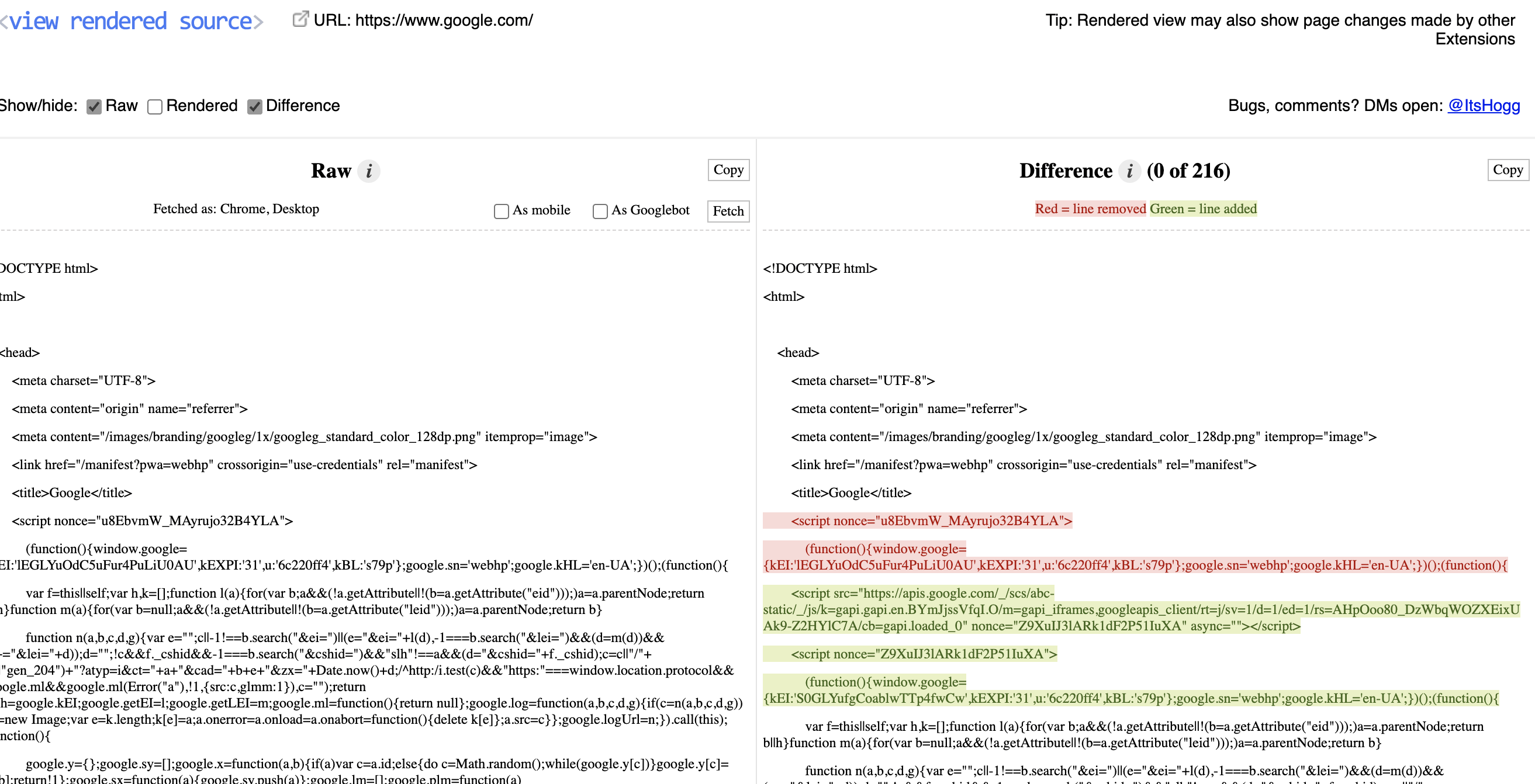
This is a must-have tool for those who work with JavaScript-powered websites.
It compares the raw page code and its rendered version. And SEOs can check, for example, if JavaScript overwrites titles, descriptions, or canonical tags.
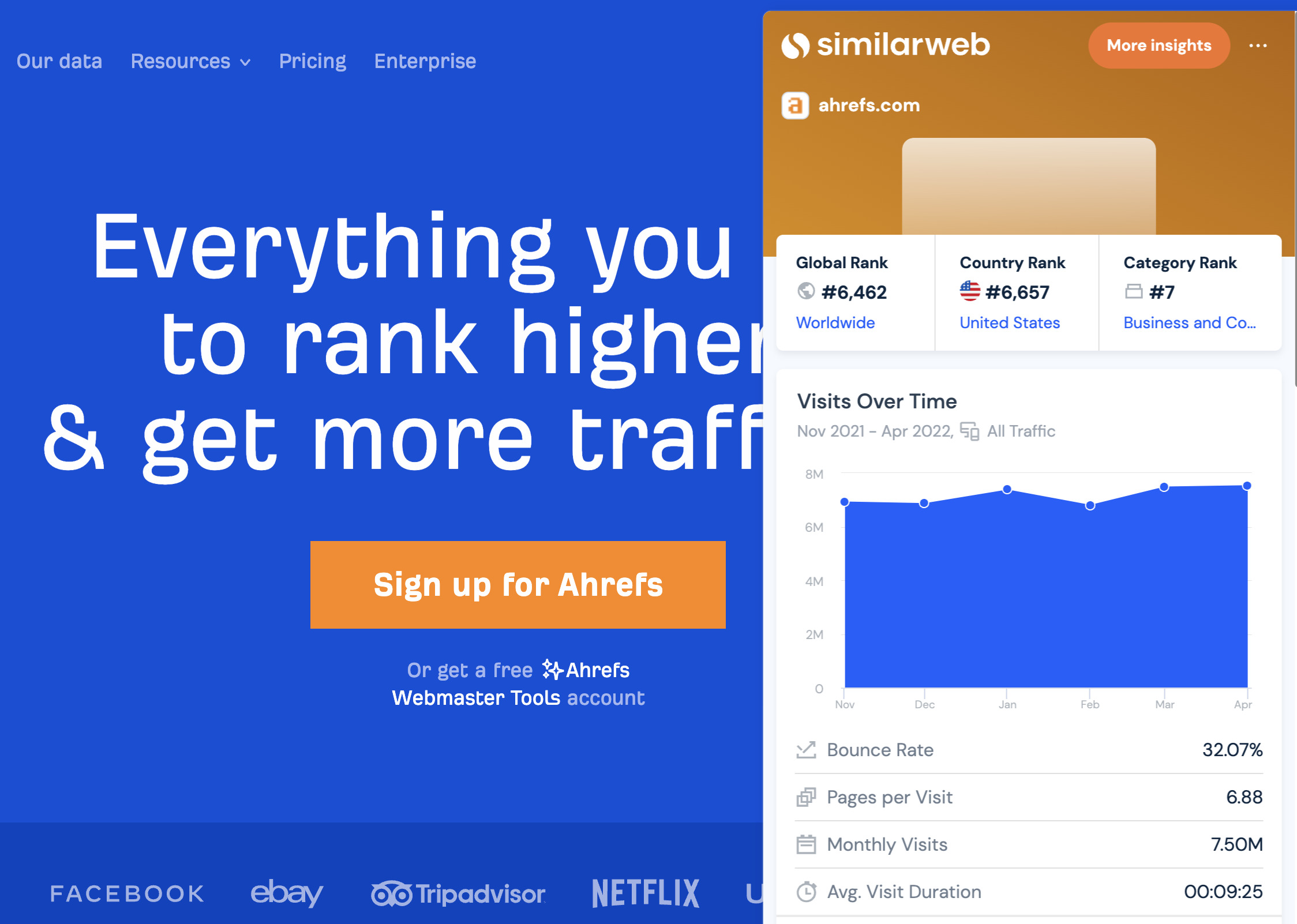
With Similarweb for Chrome, you can check estimated traffic, traffic sources, visitor geography, and other key statistics for any website.
This extension is useful for evaluating link opportunities and analyzing your competitors.
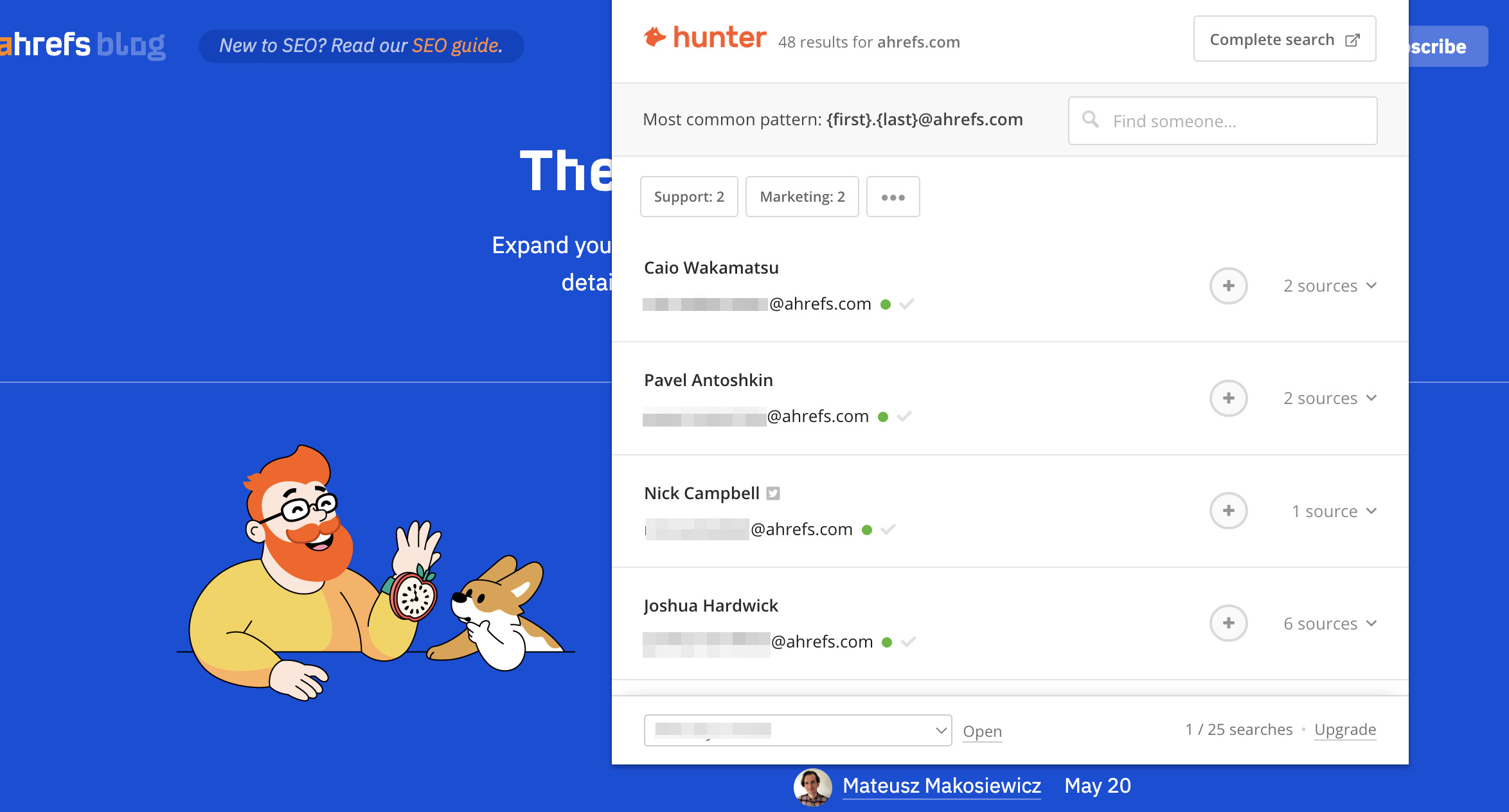
This extension from Hunter finds email addresses associated with the website that you’re visiting. You get 50 free credits per month. There’s also a Google Sheets add-on for fast bulk-checking.
Recommended reading: 6 Ways to Find Anyone’s Email Address
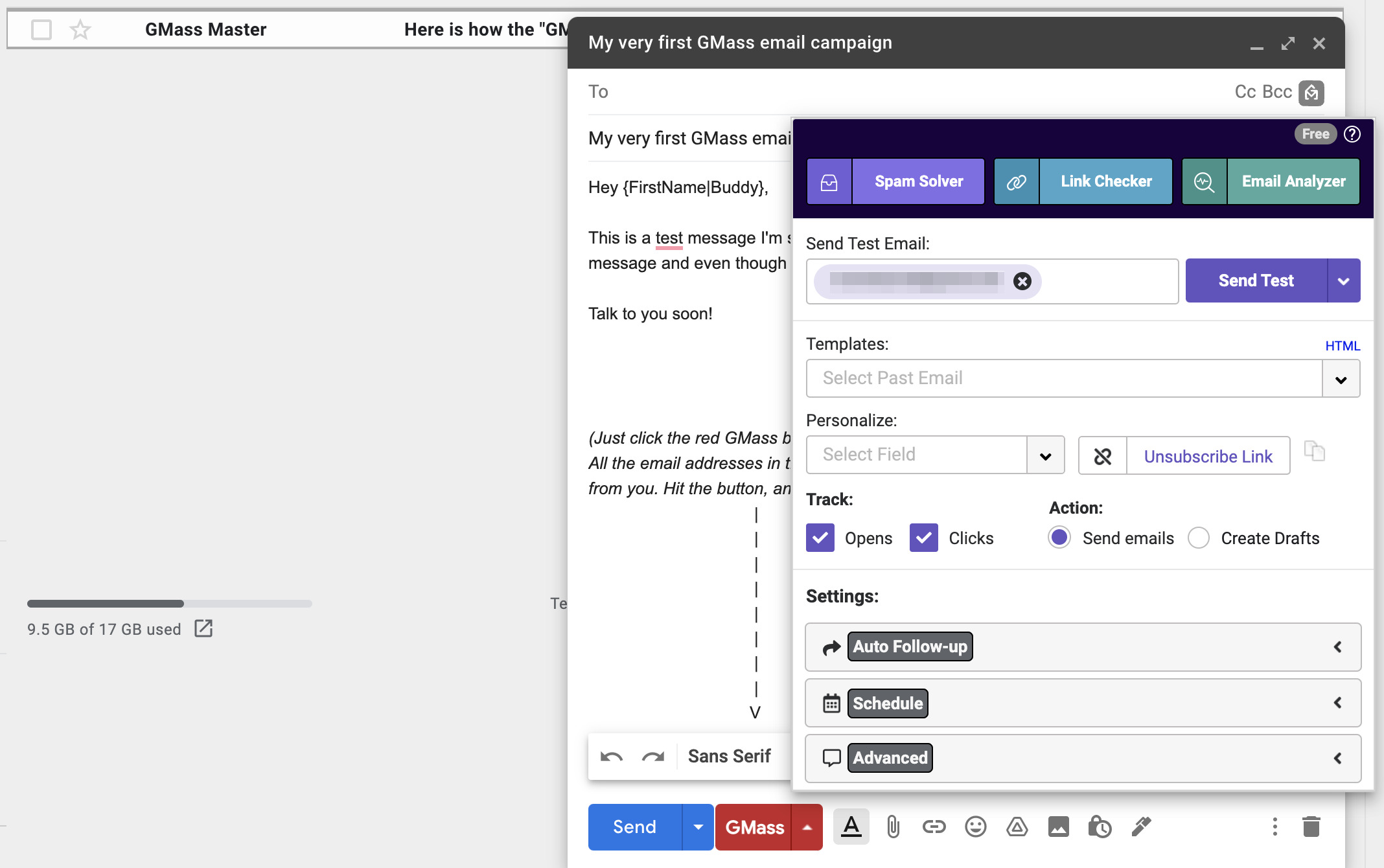
GMass is a powerful and lightweight tool for organizing outreach campaigns. It integrates straight into Gmail and requires no additional resources.
It allows you to schedule emails, send mail merges with Google Sheets, create email sequences, and track email opens. It has a free trial available, and paid plans start at $29.95/month.
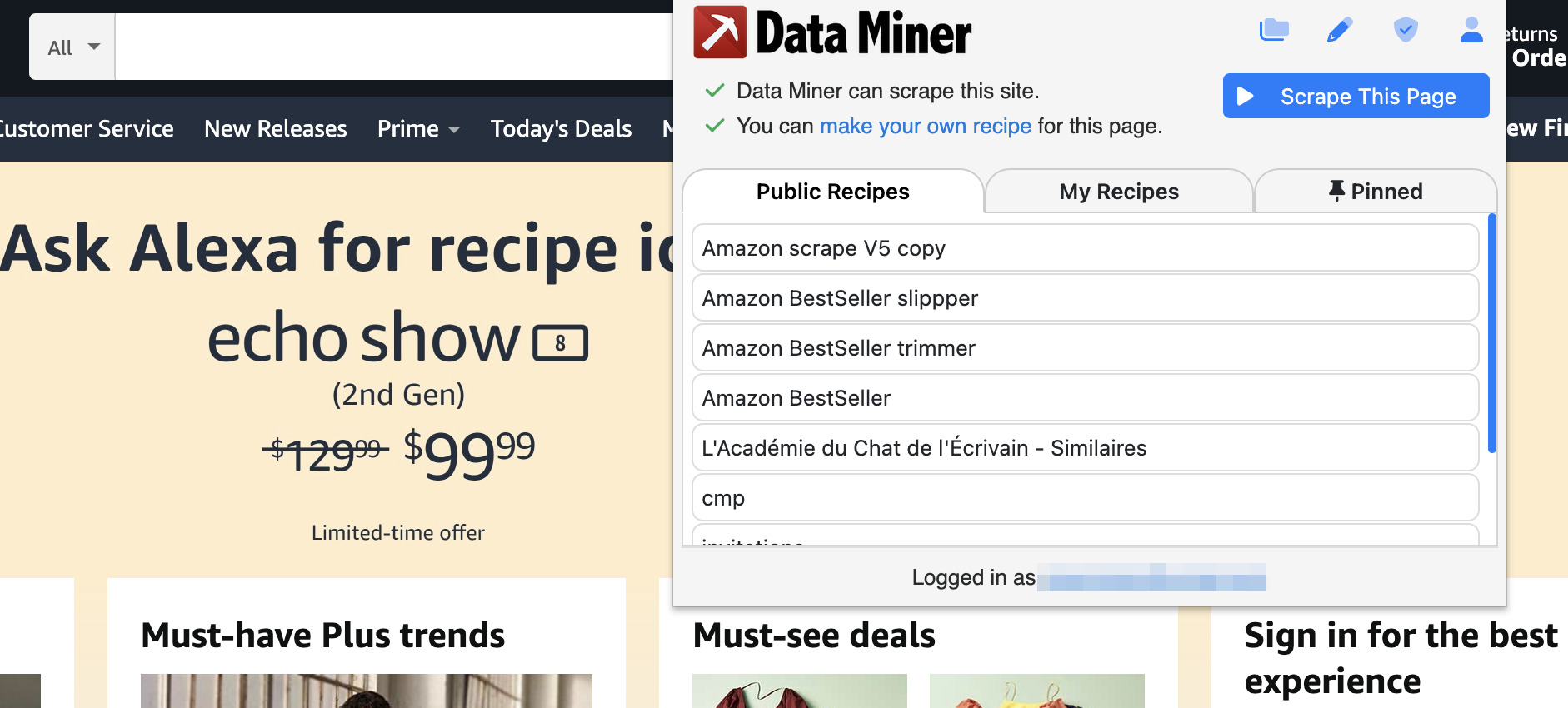
Data Scraper allows you to extract various data from any webpage and save it onto a spreadsheet.
You can extract tables and lists, get paginated results, and create custom scraping “recipes” for your needs.
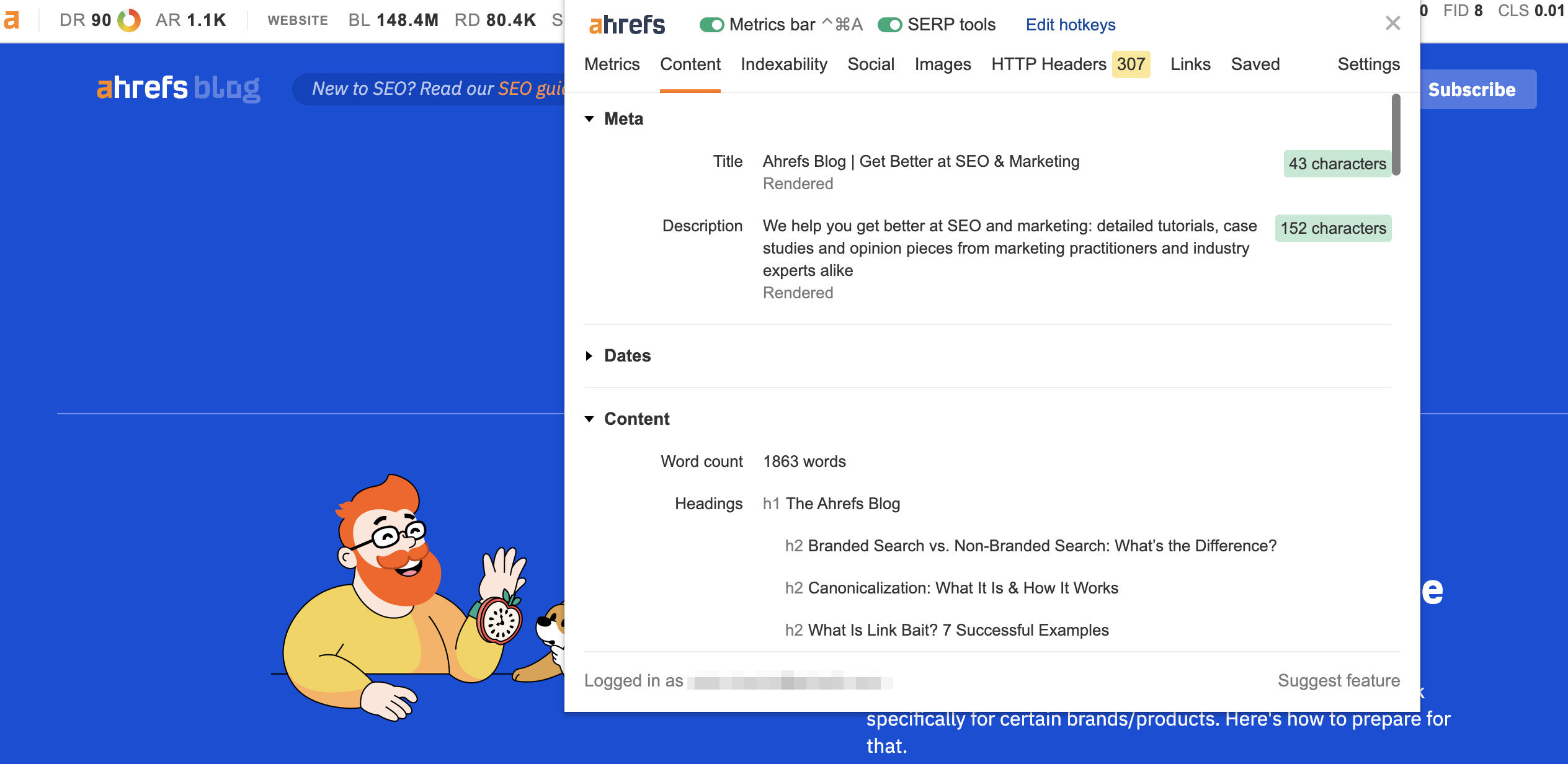
Our SEO Toolbar is used by 400,000+ marketers and can replace several other extensions on this list.
Free features include:
- On-page SEO report with indexability analysis, structured data, and social tags
- Redirect tracer and HTTP headers reader
- Broken link checker with link highlighter
- Core Web Vitals analysis (LCP, FID, CLS, INP)
- Search location simulator
- Keyword metrics directly on Google SERPs (volume, difficulty, traffic potential)
- Google Trends integration with metrics for up to 5 keywords at once
- User-agent switcher (mimic Googlebot, mobile devices, etc.)
Ahrefs subscribers also get DR, traffic, and backlink metrics for every page they visit. Plus quick access to Link Intersect and Content Gap reports.
Available for Chrome, Firefox, and Safari.
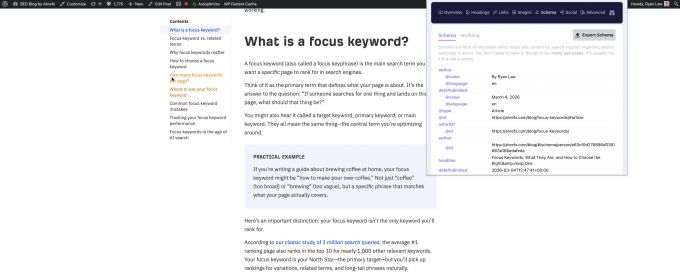
The Detailed SEO Extension is another Ahrefs tool—we acquired Detailed.com in 2025. With over 450,000 weekly users, it’s one of the most popular free SEO extensions available.
It surfaces key on-page SEO data in a single panel: title and meta tags, heading structure (H1-H6), robots directives, canonical tags, Open Graph data, and schema markup. You can also export all links or images from a page and jump straight to robots.txt or sitemap.xml.
What makes it particularly useful is the “Quick Access” panel that lets you open the current page in Ahrefs, Moz, Majestic, or Archive.org instantly. It’s completely free with no locked features.
Final thoughts
There are quite a few Chrome extensions that bring the features of online SEO tools and services right into your browser. I hope this post helps you find an extension or two that will have a significant impact on your productivity and will save you lots of time.
Just keep in mind that using too many browser extensions may slow down your computer—so choose them wisely.
If you use a lot of extensions, you can always create multiple user profiles for different tasks.
Then you can install different extensions on each profile and switch between them as needed.
You can also use the One Click Extensions Manager to keep your extensions neat and orderly.